Pakistan mein hazaron log rozana 8171 portal par apna CNIC check karte hain — lekin jab screen par “CNIC Not Found” ya “Check Failed” aata hai to confusion aur frustration dono barh jati hain. Agar aap bhi isi issue ka samna kar rahe hain, to yeh latest 2026 guide aap ke liye hai — simple, practical aur real solutions ke sath.
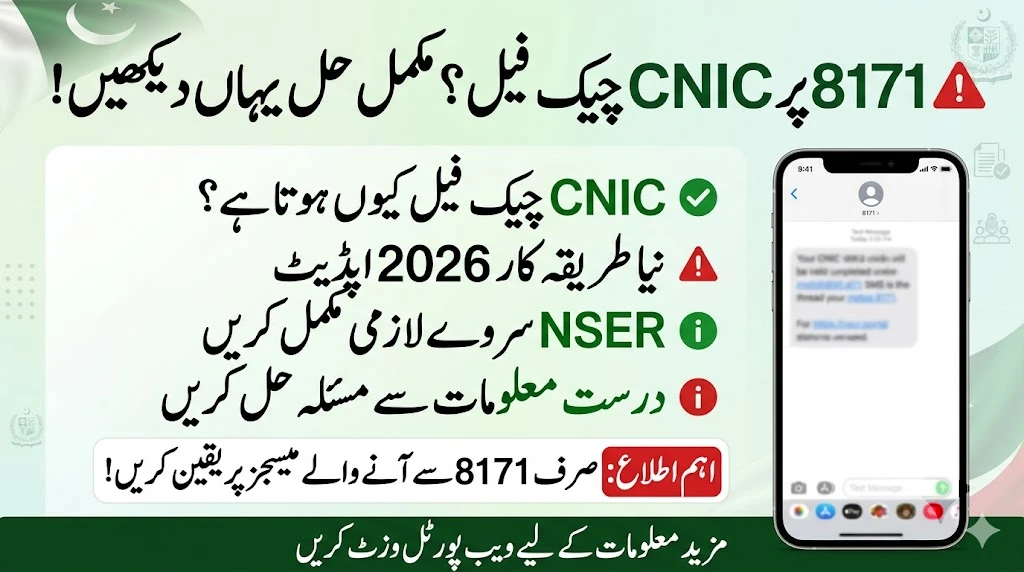
CNIC Check Failed ka Asal Matlab Kya Hai?
Sab se pehle yeh samajhna zaroori hai ke “CNIC Check Failed” ka matlab yeh nahi hota ke aap permanently reject ho chuke hain.
Iska matlab aksar hota hai:
- Aapka data system mein incomplete hai
- Ya verification abhi process mein hai
- Ya record update hone ka wait ho raha hai
Yeh system issue bhi ho sakta hai — is liye panic karne ki zarurat nahi.
Top Reasons – Kyun CNIC Check Fail Hota Hai?
1. Data Mismatch (Sab se Common)
Agar aapka record NADRA aur BISP ke system mein match nahi karta, to error aa jata hai.
2. NSER Survey Complete Nahi
Agar aap ne apna Dynamic Survey update nahi karwaya, to system aap ko identify nahi karta.

3. CNIC Expire ya Old Data
Expired CNIC ya purani family details bhi issue create karti hain.
4. Typing Mistake
Choti si ghalti — jaise extra digit ya dash — bhi result fail kar deti hai.
5. Verification Pending
Kai cases mein application review mein hoti hai, aur result temporarily fail show karta hai.
6. Server ya Portal Issue
Kabhi kabhi heavy traffic ki wajah se portal temporarily incorrect result show karta hai.
Real Solution – Step by Step Fix (2026 Updated)
Neeche wo steps hain jo practically kaam karte hain:
✔️ Step 1: CNIC Dobara Check Karein
- 13 digit correctly enter karein
- Without spaces ya dashes
✔️ Step 2: NADRA Record Update
- CNIC renew karwayen agar expire ho
- Family tree verify karwayen
✔️ Step 3: NSER Dynamic Survey Complete Karein
- Nearest BISP Tehsil Office visit karein
- Apni income, gharana aur family data update karwayen
✔️ Step 4: 2–3 Din Baad Dobara Check
System ko update hone mein time lagta hai — instant result har case mein nahi aata.

✔️ Step 5: SMS + Online Dono Use Karein
- CNIC send karein 8171 par
- Aur portal par bhi check karein
✔️ Step 6: Direct Office Visit (Last Option)
Agar issue solve na ho, to BISP office visit best solution hota hai.
Quick Overview Table
| Problem Type | Reason | Best Solution |
|---|---|---|
| CNIC Not Found | Data missing / survey incomplete | NSER survey update |
| Not Eligible | Old income record | Data re-verification |
| Verification Failed | Data mismatch | NADRA record update |
| No Response SMS | SIM issue | Registered number use karein |
| Temporary Error | Server issue | Baad mein dobara check karein |
Pro Tips (Jo Log Ignore Karte Hain)
- Hamesha apni SIM apne CNIC par registered rakhein
- Har 6–12 months mein apna data update karwayen
- Fake agents se bach kar rahen — BISP services free hoti hain
Final Words
“CNIC Check Failed” ek common issue hai — lekin iska solution bhi utna hi simple hai.
Agar aap proper tareeke se:
✔️ Data update karein
✔️ Survey complete karein
✔️ Aur thora wait karein
to 90% cases mein problem solve ho jati hai.
Consistency aur correct information hi aapki eligibility ka key factor hai.
FAQs
Q1: CNIC Check Failed ka matlab reject hona hai?
Nahi, aksar yeh temporary ya data issue hota hai — permanent rejection nahi.

Q2: Kitne din baad dobara check karein?
24 se 72 ghante ke baad dobara try karein.
Q3: NSER survey kaha hota hai?
Nearest BISP Tehsil Office mein free hota hai.
Q4: Agar SMS reply nahi aaye to kya karein?
Online portal use karein ya SIM verify karein.
Q5: Kya agent ke through problem solve hoti hai?
Nahi — official process hi follow karein, kisi ko paise dene ki zarurat nahi.